Greetings to Cloud Marathoner friends,
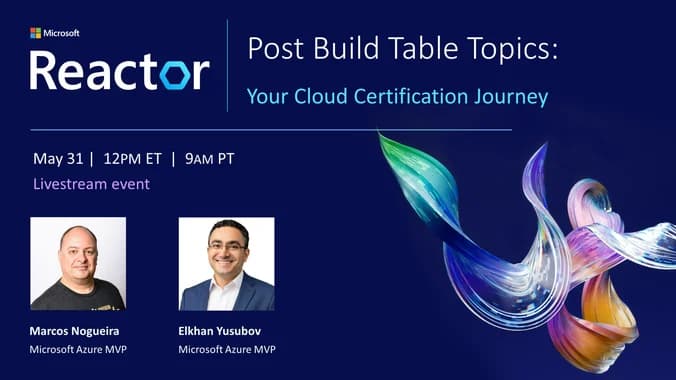
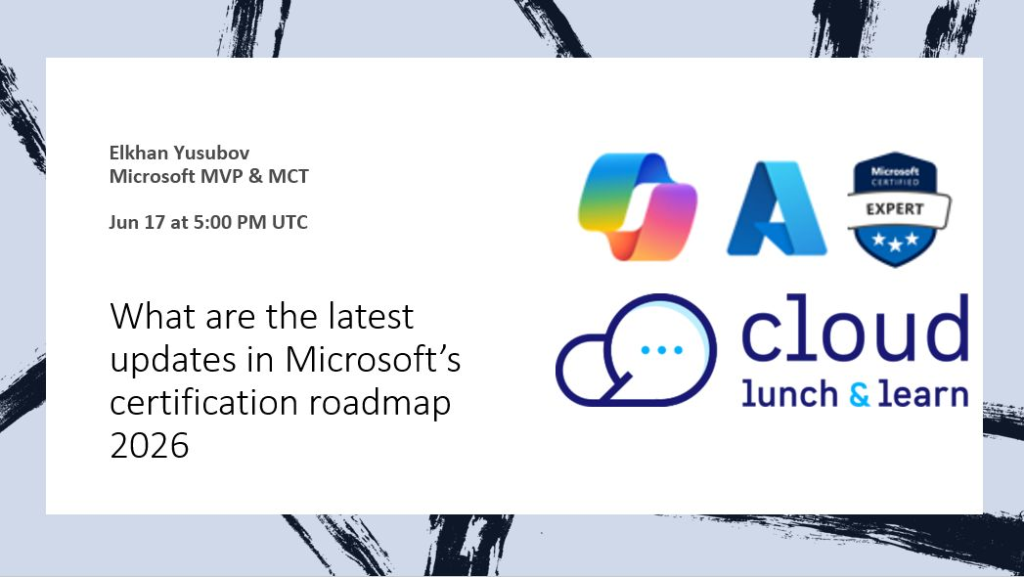
It might feel a bit overwhelming on where you should start or continue your Cloud and AI learning journey to stay ahead of the competition. This blog post reflects on my recent Cloud Lunch and Learn session that targets to answer and help you with this question.
Where should you start?
Note: If you are more interested in watching the session then please check this session below:
Artificial Intelligence is no longer something we simply read about in tech news.
It is already here.
It is in our productivity tools.
It is in our cloud platforms.
It is in our security workflows.
It is in our data platforms.
It is changing how developers build, how administrators operate, how architects design, and how business users make decisions.
And here is the exciting part: you do not need to be an AI expert to start your AI learning journey. You just need curiosity, consistency, and the right roadmap.
I always believe that one of the best ways to grow in technology is to make learning practical, simple, and accessible. That is why I am excited to host a beginner-friendly community session focused on the Microsoft AI certification roadmap in 2026.
What this session covers?
We focus on key Microsoft AI learning paths, including Azure AI Fundamentals, role-based AI certifications, Microsoft Applied Skills, and how AI connects with Azure, Microsoft Foundry, Copilot, Data, Security, DevOps, and business transformation.
The goal is not just to earn another certification and badge. Our goal is to build confidence, validate real-world skills, and prepare for the AI-powered workplace.
As always, if you are new to AI, start with the fundamentals. If you already work in cloud, DevOps, data, security, or development, this is your opportunity to connect your existing skills with modern AI solutions.
Learning AI may feel overwhelming, but it does not have to be. Start small, stay consistent, use Microsoft Learn, join community sessions, and keep growing one step at a time.
what is AI Skills Navigator?
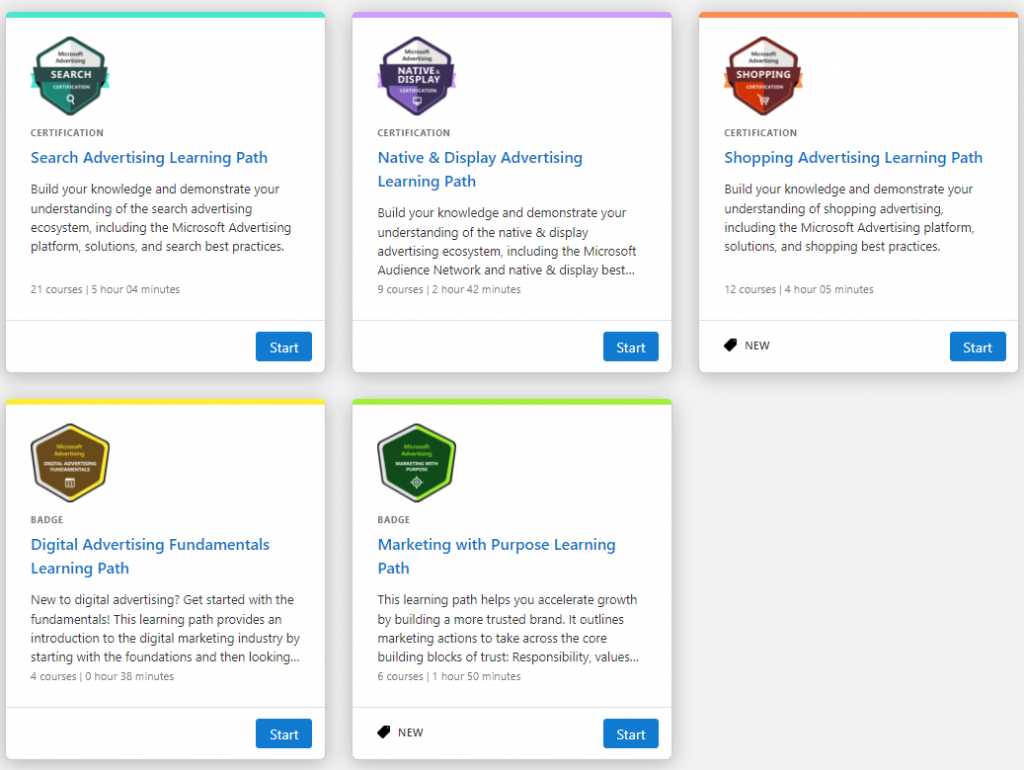
In addition, check out the new Microsoft AI Skills Navigator portal. It is designed as a guided, personalized AI learning platform that helps new learners start and grow their AI journey with clarity and confidence. In simple terms, it helps learners to understand what to learn, follow the right path, and build real AI skills, without getting lost in the internet.
Remember, learning is a marathon, not a sprint.
See you in the session, Cloud Marathoners!
#SharingIsCaring ❤️ #CloudMarathoner #MicrosoftLearn #MicrosoftCertifications #AzureAI #AI #Community #Azure