Hello Cloud Marathoners!
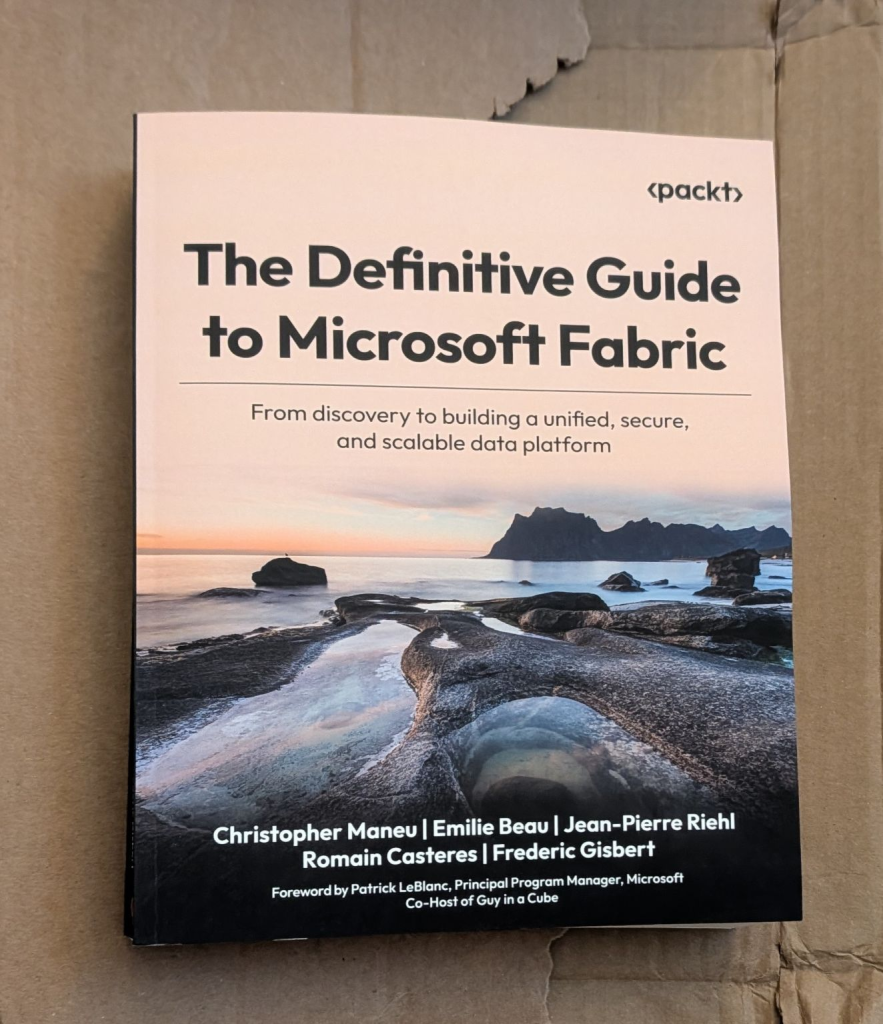
I got an opportunity to work with Packt publishing to review a new book on Microsoft Fabric. I am excited to share my first impression and announce a giveaway for three lucky #CloudMarathoner community members who can get this book via raffle on June 5th.
Brief A Cloud Marathoner Review
There is a moment many of us have experienced. You spend hours following a tutorial. Step by step. Everything works. You feel productive.
And then… a few days later, you realize something is off.
You need to start over. Not because you did something wrong—but because you didn’t fully understand what you built.
If this sounds familiar, you’re not alone. And honestly, this is one of the biggest silent lessons in tech: speed without understanding often leads to rework.
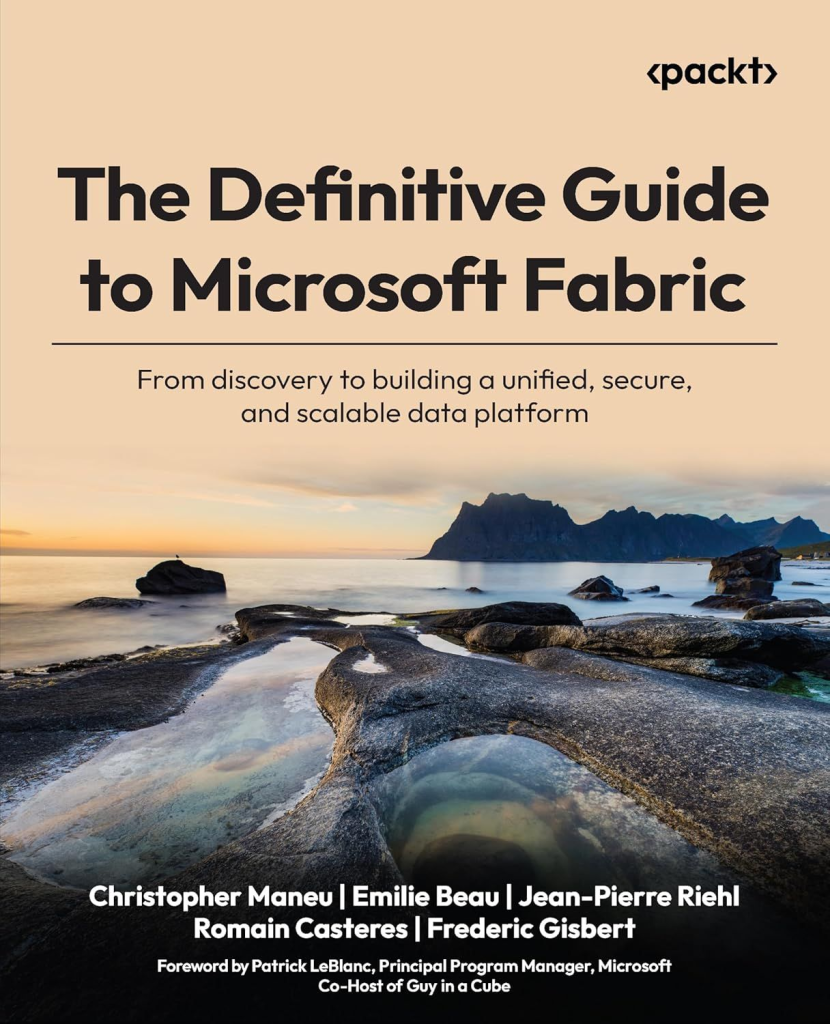
That is exactly why The Definitive Guide to Microsoft Fabric caught my attention—and why I wanted to share it with the Cloud Marathoner community.
What is Microsoft Fabric?
Let’s simplify it: Microsoft Fabric is a unified data and analytics platform.
Instead of working with multiple disconnected services, Fabric brings everything together; data ingestion, storage, transformation, analytics, AI, and visualization—into a single integrated experience.
Think about it this way:
- One place to store your data (OneLake)
- One platform to process and transform it
- One ecosystem to build insights, reports, and intelligent solutions
Microsoft Fabric includes capabilities like:
- Data Factory (data integration)
- Data Engineering & Data Science
- Real-Time Analytics
- Data Warehouse
- Power BI for visualization
The biggest shift here is not just about tools—it’s about mindset:
Moving from fragmented solutions to a unified, scalable, and governed data platform.
And that is where many people struggle with understanding how everything fits together in Microsoft Fabric.
How to WIN the book raffle
As part of the Cloud Marathoner journey, I always try to give back to the community—not just through content, but through opportunities. For this book, I organized a simple giveaway:
🎯 3 lucky winners received a free copy
To participate, community members could:
- Liked 👍 the post
- Commented 💬
- Reposted ♻️
Why do I do this?
Well, because learning should be accessible. Sometimes, the difference between “I want to learn this” and “I actually started” is a single opportunity—a book, a resource, a push, or a community moment.
As my dear friends, you know that Cloud Marathoner is not just about content. It is more about:
- Encouraging continuous learning
- Supporting each other’s journeys
- Creating opportunities together
And as always, we grow faster when we grow together by helping each other to keep the momentum rolling.
What is covered in this book
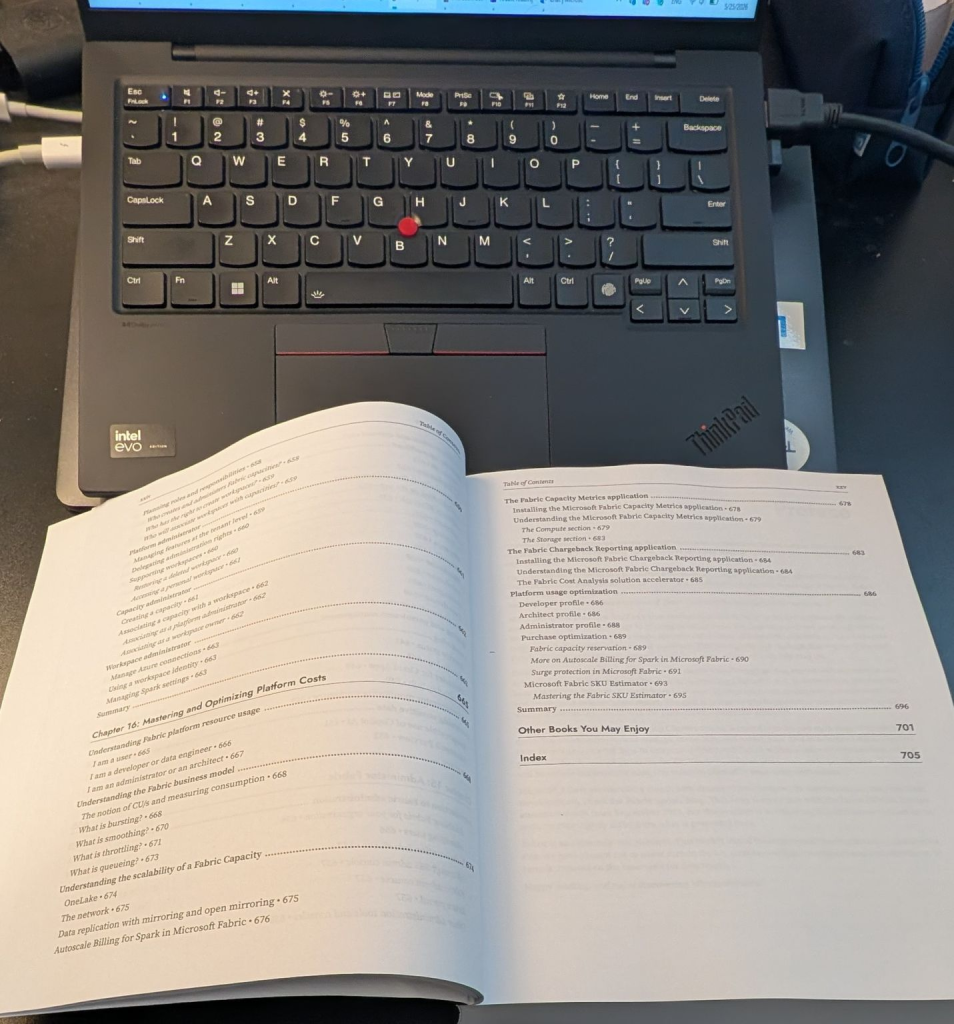
What makes this book stand out is the depth and structure. It doesn’t just teach how to use Microsoft Fabric, it goes well beyond by explains why things work the way they do. Basically, this book takes you on a full journey by beginning with:
🔹 Foundations and Getting Started
- It starts with What Microsoft Fabric is?
- Core architecture concepts
- Real-world use cases
- Setting up your first environment
Next it continues with the most important sections of OneLake and UDD:
🔹 OneLake and Unified Data Design
- The lakehouse concept
- Data organization strategies
- OneLake as the unified data layer
- Governance and security structures
- Data mesh architecture approaches
🔹 Data Ingestion & Transformation
This section explores multiple approaches to ingesting and shaping data where you learn practical and applicable scenarios in real-world:
- Pipelines and orchestration
- Notebooks (Spark-based engineering)
- Real-time ingestion
- Dataflows (low-code transformations)
- SQL and Spark transformations
- Even AI-assisted workflows with Copilot
Then it follows with a section that helps you stop guessing and start making informed decisions.
🔹 Analytics, Real-Time Processing, and Architecture Decisions
- Differences between data warehouse and lakehouse
- Real-time analytics and event streaming
- Time-series data and alerting patterns
- When to use which architectural pattern
🔹 Advanced Topics: AI, Governance, and Optimization
Finally, the book goes beyond building solutions by focusing on each aspect of your solution(s):
- AI and machine learning integration
- Semantic modeling and reporting
- Governance and compliance
- Security best practices
- Cost optimization at scale
- DevOps & DataOps principles
This is what transforms a solution into a production-ready platform.
Who will benefit from this book
This book is designed for a wide range of learners, including but not limited to:
- Data engineers
- Analytics engineers
- Cloud and data architects
- Analysts moving into design roles
- Technical leaders working on modern data platforms
From a Cloud Marathoner perspective, I would break it down to simple three roles that you might associated with. Namely; Beginner. Practitioner and more advanced role such as Architect.
You will like this book as beginner, if you’re overwhelmed by scattered tutorials, this book gives you structure and clarity.
You will like this book as practitioner, if you already work in Azure, Power BI, or data platforms, this helps you connect the dots across services.
You will like this book as architect, if you design systems, this book helps you think in terms of:
- scalability
- governance
- platform design
- long-term strategy
You don’t need to know everything to start, just a basic understanding of databases, SQL, and Python would be enough to get started.
🏁 𝗖𝗹𝗼𝘂𝗱 𝗠𝗮𝗿𝗮𝘁𝗵𝗼𝗻𝗲𝗿 𝘁𝗮𝗸𝗲𝗮𝘄𝗮𝘆
Here is the biggest lesson I took from this book:
Don’t just follow steps — understand the system.
In my experience, the people who grow fastest in tech are not the ones who complete the most tutorials. They are the ones who take time to understand the “why” behind the “how.”
This book reinforces something I believe deeply:
- Strong fundamentals = less rework
- Better understanding = better decisions
- Deep learning = long-term confidence
And that aligns perfectly with the Cloud Marathoner mindset:
🏃 Learn deeply
🔁 Improve continuously
🎯 Build with confidence
Because in the end, this is not a sprint. It’s a marathon.
💬 Keep me posted with your feedback
- Are you currently learning Microsoft Fabric?
- What challenges are you facing?
- Have you ever had to redo work because of missing fundamentals?
Drop your thoughts, share your journey, and let’s keep building together.
Because every step forward, no matter how small or tiny, is part of the progress in your brave marathon!
📌 Check out the book info 👉 https://packt.link/TjLs6
#SharingIsCaring ❤️
Reminder, the lucky 🤞 3️⃣ readers of this post who commented + re-posted will be notified via LinkedIn message.
Subscribe to the #CloudMarathoner LinkedIn #tag 👏👀
Stay tuned for more Cloud, AI, Automation & Security-related posts.
𝙁𝙤𝙡𝙡𝙤𝙬 𝙢𝙚 🎯 𝙖𝙣𝙙 𝙗𝙚𝙘𝙤𝙢𝙚 𝙖 #𝘾𝙡𝙤𝙪𝙙𝙈𝙖𝙧𝙖𝙩𝙝𝙤𝙣𝙚𝙧 ⛅🏃♂️🏃♀️ – 𝙇𝙀𝙏’𝙎 𝘾𝙊𝙉𝙉𝙀𝘾𝙏
Update:
📌 Check my LinkedIn post to learn about 3 lucky winners of the #book #giveaway. Thank you all for participating!!!